tl:dr;
diff --git a/include/swift/AST/Identifier.h b/include/swift/AST/Identifier.h
index 316a91dd980f6..c7b39b70538ab 100644
--- a/include/swift/AST/Identifier.h
+++ b/include/swift/AST/Identifier.h
@@ -134,7 +134,7 @@ class Identifier {
     if (C < 0x80)
       return memchr(OpChars, C, sizeof(OpChars) - 1) != 0;

-    // Unicode math, symbol, arrow, dingbat, and line/box drawing chars.
+    // Unicode math, music, symbol, arrow, dingbat and line/box drawing chars.
     return (C >= 0x00A1 && C <= 0x00A7)
         || C == 0x00A9 || C == 0x00AB || C == 0x00AC || C == 0x00AE
         || C == 0x00B0 || C == 0x00B1 || C == 0x00B6 || C == 0x00BB
@@ -144,7 +144,8 @@ class Identifier {
         || (C >= 0x2055 && C <= 0x205E) || (C >= 0x2190 && C <= 0x23FF)
         || (C >= 0x2500 && C <= 0x2775) || (C >= 0x2794 && C <= 0x2BFF)
         || (C >= 0x2E00 && C <= 0x2E7F) || (C >= 0x3001 && C <= 0x3003)
-        || (C >= 0x3008 && C <= 0x3030);
+        || (C >= 0x3008 && C <= 0x3030)
+        || (C >= 0x1D100 && C <= 0x1D1FF);
   }

   /// isOperatorContinuationCodePoint - Return true if the specified code point
Hey Folks, I'm fairly new to Swift, so I hope you'll forgive my ignorance and disabuse me of it.
I'm currently on vacation and don't want to do anything that's related to my day to day job. It's kinda like I gave up mechanical keyboard for lent so I could recharge, and I would have gotten away with it too if it weren't for you meddling kids. But I've decided since my iPad's keyboard is virtual, if I type swift code in to swift playgrounds I'm technically not cheating  ANYwhooooo
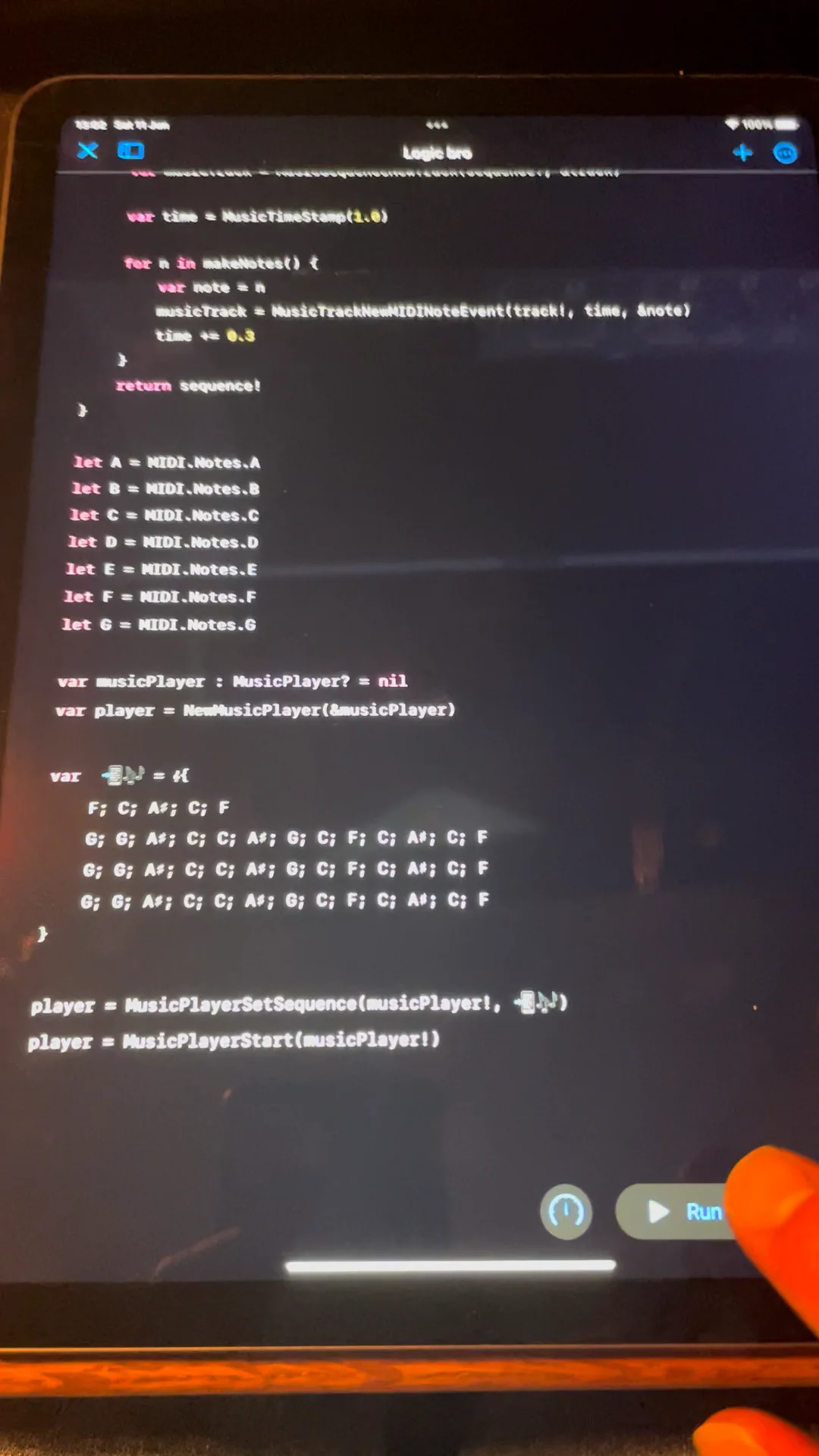
may we please be allowed to use musical symbols in identifiers so I can write this.
let 📲🎶= 𝄞{
    𝄀{F; C; A♯; C; F}
    𝄀{G; G; A♯; C; C; A♯; G; C; F; C; A♯; C; F}.𝄇(3)
}

📲🎶.▶️()
Edit: I'm aware 𝄀 is a bar not a stave, but the stave symbol will look like this 𝄛 until someone adds some Music Fonts to the forums css